Pakistan-focused restaurant operations
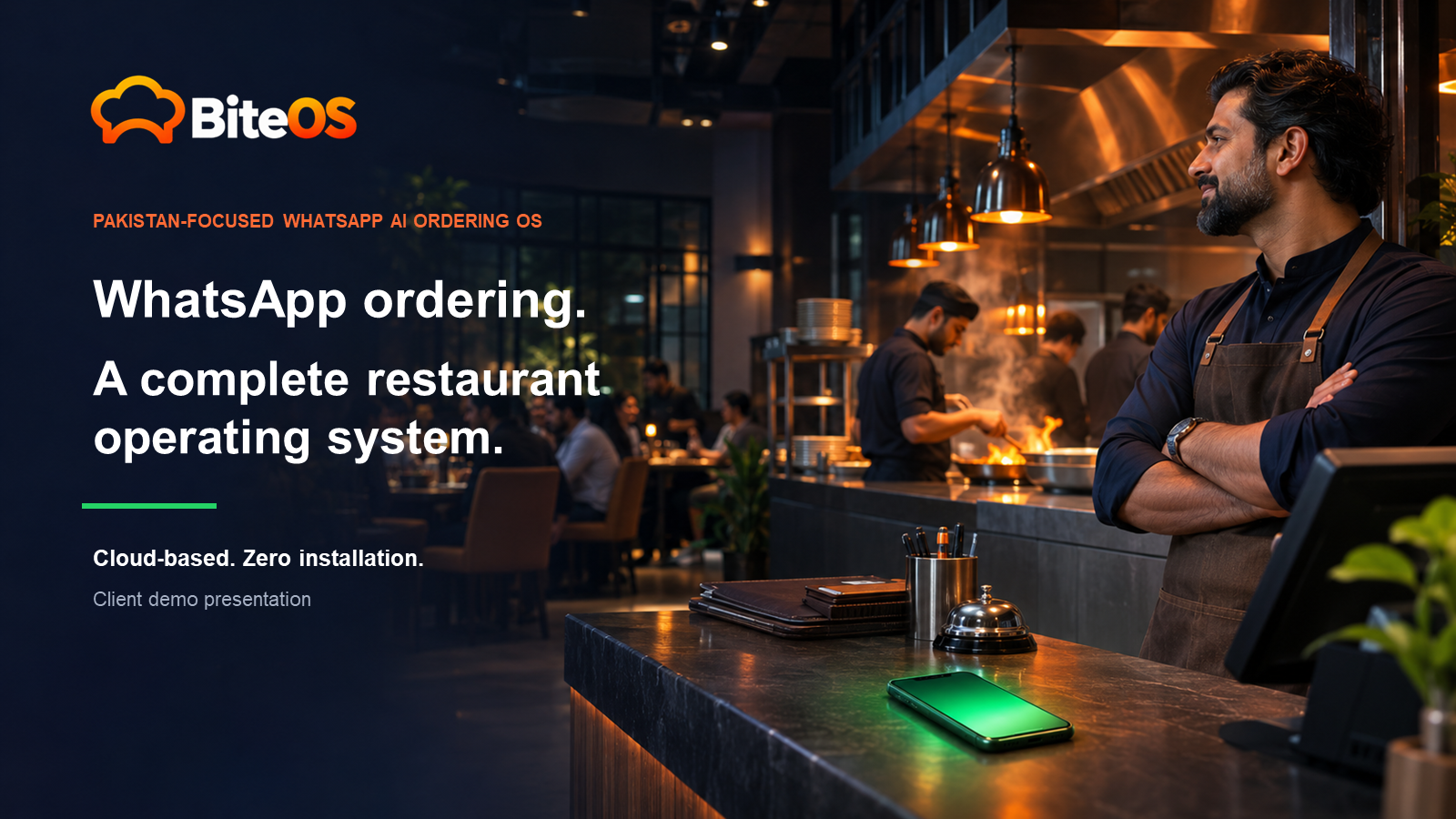
WhatsApp ordering. One organized restaurant workflow.
BiteOS connects customer ordering, menu control, branch operations and order status in one secure cloud workspace. Customers use WhatsApp or your public menu. Your team works from a browser.
Zero customer app install
Server-controlled pricing
Staff handoff when needed
Cloud workspace
One controlled flowChat to kitchen status
✓
Customer to restaurant
One conversation. One complete order journey.
Every selection becomes structured order data before it reaches restaurant staff.
Message
Any customer message can begin the guided ordering flow.
Choose
Categories, dishes, quantities and available options stay clear.
Checkout
Delivery or takeaway, contact details and address are confirmed.
Operate
The verified order enters the live queue for restaurant action.
Update
The customer receives tracking and order status updates.
Available in the current MVP
More than a WhatsApp bot
BiteOS gives restaurant owners control of the menu, staff access, branches, order activity and customer-facing experience from one place.
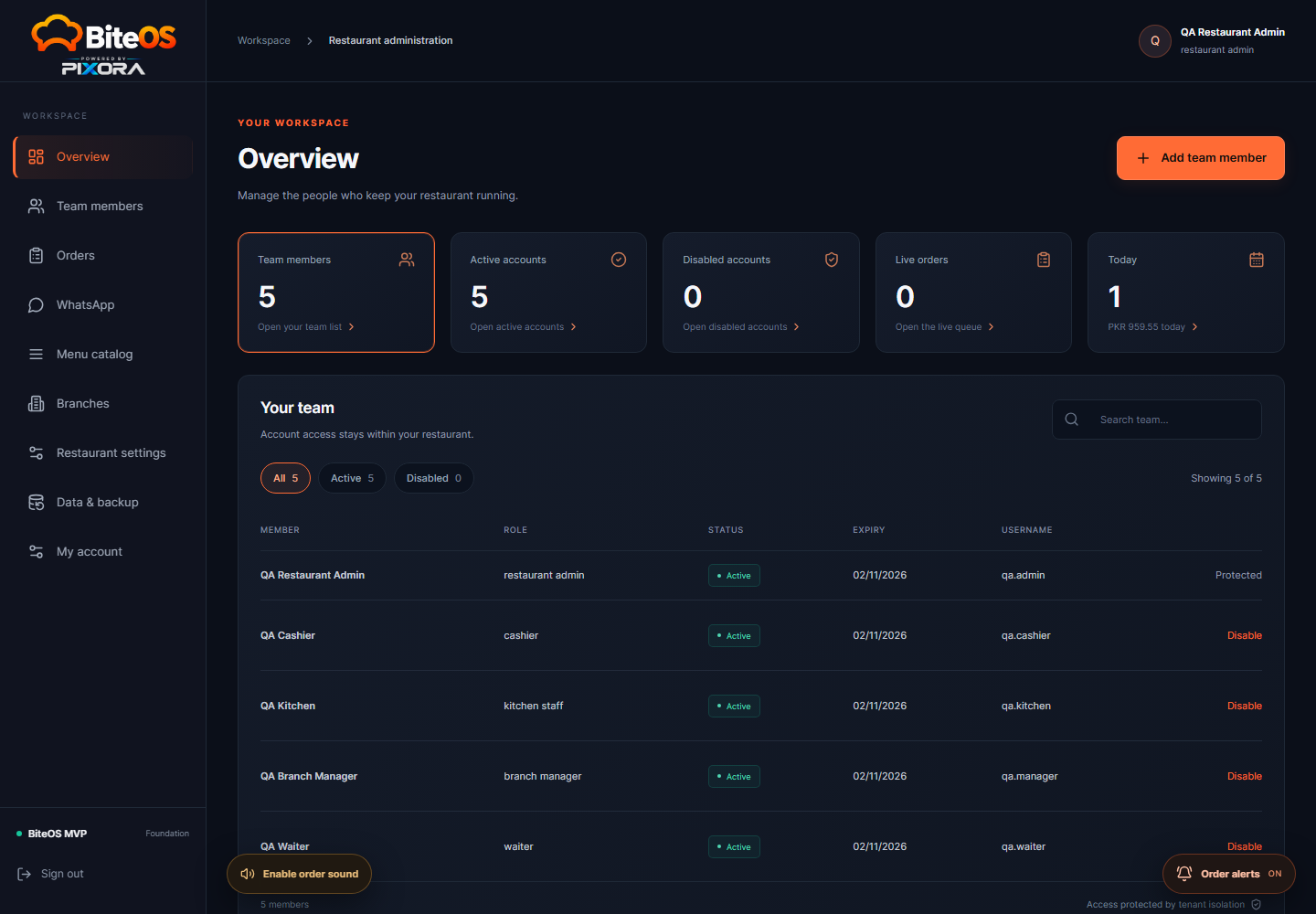
Restaurant workspace
Live order operations
Review new orders, accept them, move them through preparation and record completion or cancellation with a visible history.
- New-order alerts
- Authorized status changes
- Payment method recording
Automation with human control
Pause automation, let staff handle a conversation and resume the saved customer journey safely.
Server-controlled menu and pricing
Categories, items, prices, availability and modifiers remain under restaurant control.
Public profile
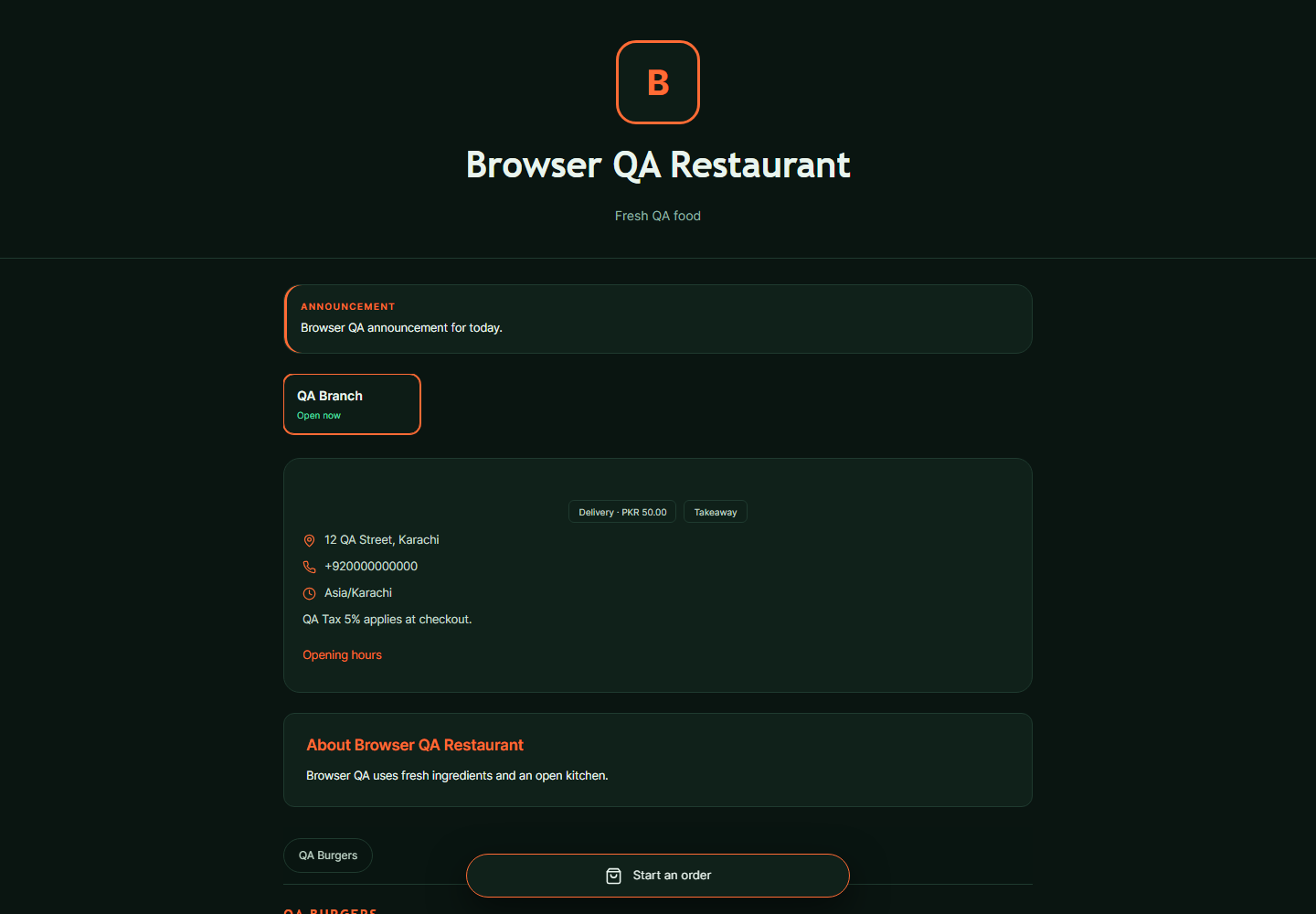
Your restaurant page
Present your brand, menu, branches, contacts and ordering options in a mobile-friendly page.
The right access for each team member
Restaurant admin, branch manager, cashier, kitchen staff and waiter views follow server-enforced permissions.
Export, backup and recovery
Catalog exports, order-history backups, recoverable trash and migration archives protect restaurant data.
Real BiteOS screens
Built around everyday restaurant work
Select a workspace to explore the live product interface.
Owner dashboard
Product walkthroughs
See both sides of the order
The desktop demo shows restaurant operations. The mobile demo shows the customer WhatsApp ordering experience.
Real product recordings
Desktop restaurant workflow
Mobile WhatsApp journey
Restaurant team
Desktop operations demo
Follow the dashboard workflow from incoming order to restaurant action.
Desktop walkthrough · MP4
Customer journey
WhatsApp mobile demo
See menu selection, cart review, checkout and confirmation inside the conversation.
Mobile walkthrough · MP4
QR ordering at the restaurant
Turn counters, tables and packaging into ordering points
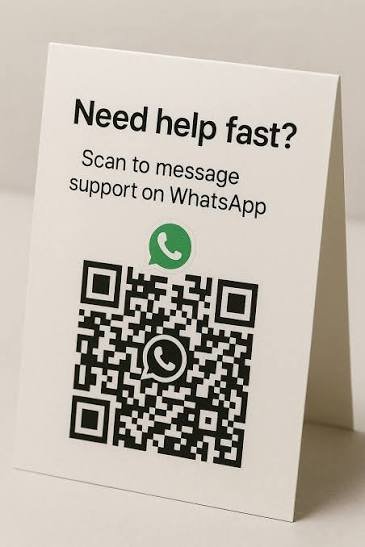
Display a restaurant QR code where customers can see it. A quick scan can open the restaurant's WhatsApp ordering path or public menu without asking customers to search for a number.
EntranceTable tentCounterReceiptPackaging
View product presentation

Cloud-based and browser-first
Zero customer installation. No restaurant server setup.
Customers continue using familiar channels. Restaurant staff open their protected workspace in a normal browser. Updates, menu changes and order activity stay connected to the same hosted system.
Monthly plans in PKR
Choose the operating scope that fits your restaurant
Every plan starts with the same goal: fewer missed details and clearer control of restaurant orders.
Starter
For a restaurant beginning direct digital ordering.
PKR10K/ month
800 orders/month
Small QSR
PKR 30/extra order
- WhatsApp guided ordering
- Branded public menu and profile
- Delivery and takeaway checkout
- Live order queue
Most popular
Growth
For teams that need staff controls and faster order handling.
PKR19K/ month
1,800 orders/month
Mid QSR
PKR 26/extra order
- Everything in Starter
- Staff roles and protected access
- Menu modifiers and branch controls
- Tracking, status updates and alerts
Pro
For multi-branch operations that need deeper control and recovery.
PKR32K/ month
3,500 orders/month
High-volume QSR
PKR 22/extra order
- Everything in Growth
- Multi-branch operations
- WhatsApp staff handoff
- Advanced exports and backups
Enterprise
For restaurant groups that need platform-level governance.
PKR55K/ month
6,500 orders/branch/month
Multi-branch chains
PKR 18/extra order
- Everything in Pro
- Restaurant and subscription controls
- Audit visibility and migration archive
- Structured rollout planning
Monthly order quotas and extra-order rates apply to the selected package. Enterprise quota is per branch. Staff limits, onboarding and any custom integrations are confirmed in the proposal before activation.
Trust and product boundaries
Control stays with the restaurant
BiteOS validates the order against restaurant data. Customer input cannot silently rewrite a menu price, role permission or order total.
Authoritative pricing
The server calculates available items, modifiers, charges and totals.
Duplicate protection
Safeguards reduce repeated same-cart orders and enforce configured order limits.
Role-based privacy
Customer details and management actions follow authorized restaurant roles.
Recovery and audit
Backups, recoverable history and readable activity records support accountable operations.
Common questions
What restaurant owners usually ask
Need a question answered for your exact setup? Message us directly.
Ask on WhatsAppDoes the customer need to install an app?+
No. Customers can order through WhatsApp or the restaurant's public web menu.
Does the restaurant need its own server?+
No local server is required at the restaurant. BiteOS runs as a hosted cloud service and staff use a browser.
Can staff take control of a WhatsApp conversation?+
Yes. Authorized staff can pause automation, handle the conversation and resume the saved flow when appropriate.
Can we use our own menu, logo and branches?+
Yes. Restaurant administrators can manage branding, menu items, modifiers, availability, branches, hours and service settings.
Does BiteOS include live payment settlement?+
The current MVP records payment method and payment status. Live payment gateway settlement and fiscal integrations require a separately approved scope.
Does BiteOS already replace a full POS and inventory system?+
The current MVP focuses on WhatsApp and web ordering, restaurant operations, staff access, tracking and data continuity. Advanced POS, KDS, tables, inventory and CRM belong to the later commercial roadmap.
A focused restaurant demo
See BiteOS with your menu and workflow
Tell us about your restaurant, branches and ordering process. We will show the relevant customer and dashboard journey.